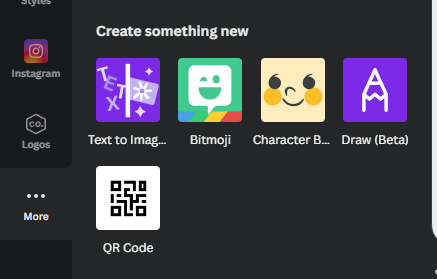
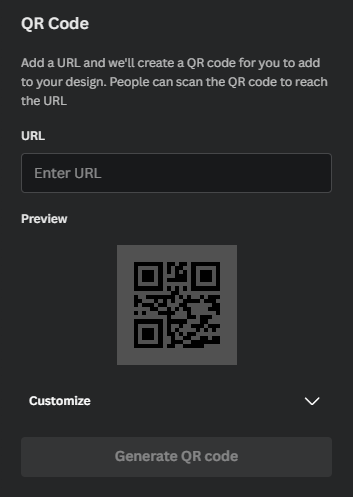
Step 1: Click the “More” button on the leftStep 2: Click the QR Code button Step 3: Add any URL you want and click “Generate QR Code” Many different applications of this in your classroom lessons. Too many to go over here.
 Made with Bullet